Scene editor
This is where all the magic happens
Scenes are the only place where you write your story, and those words count towards any word count tracking.
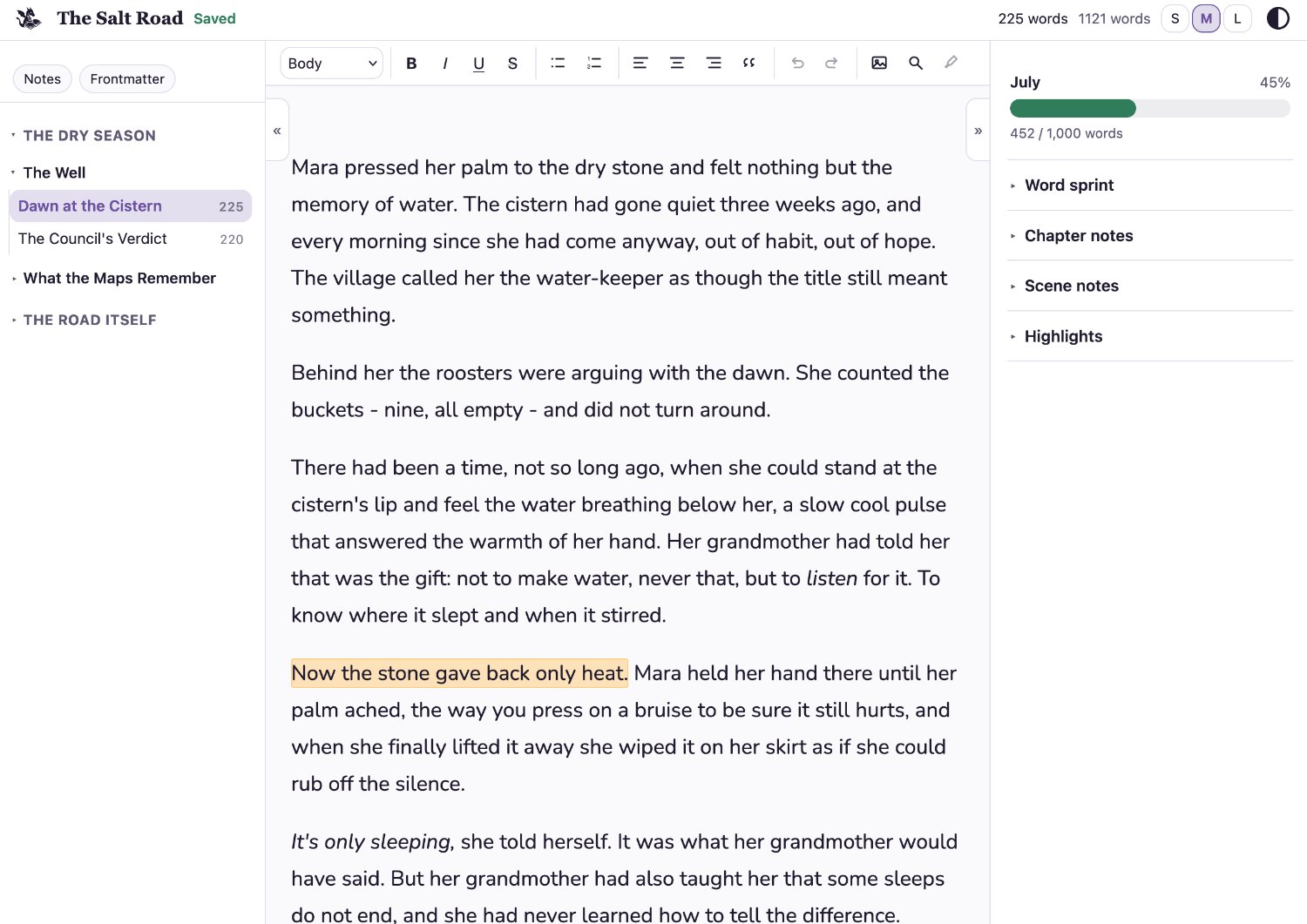
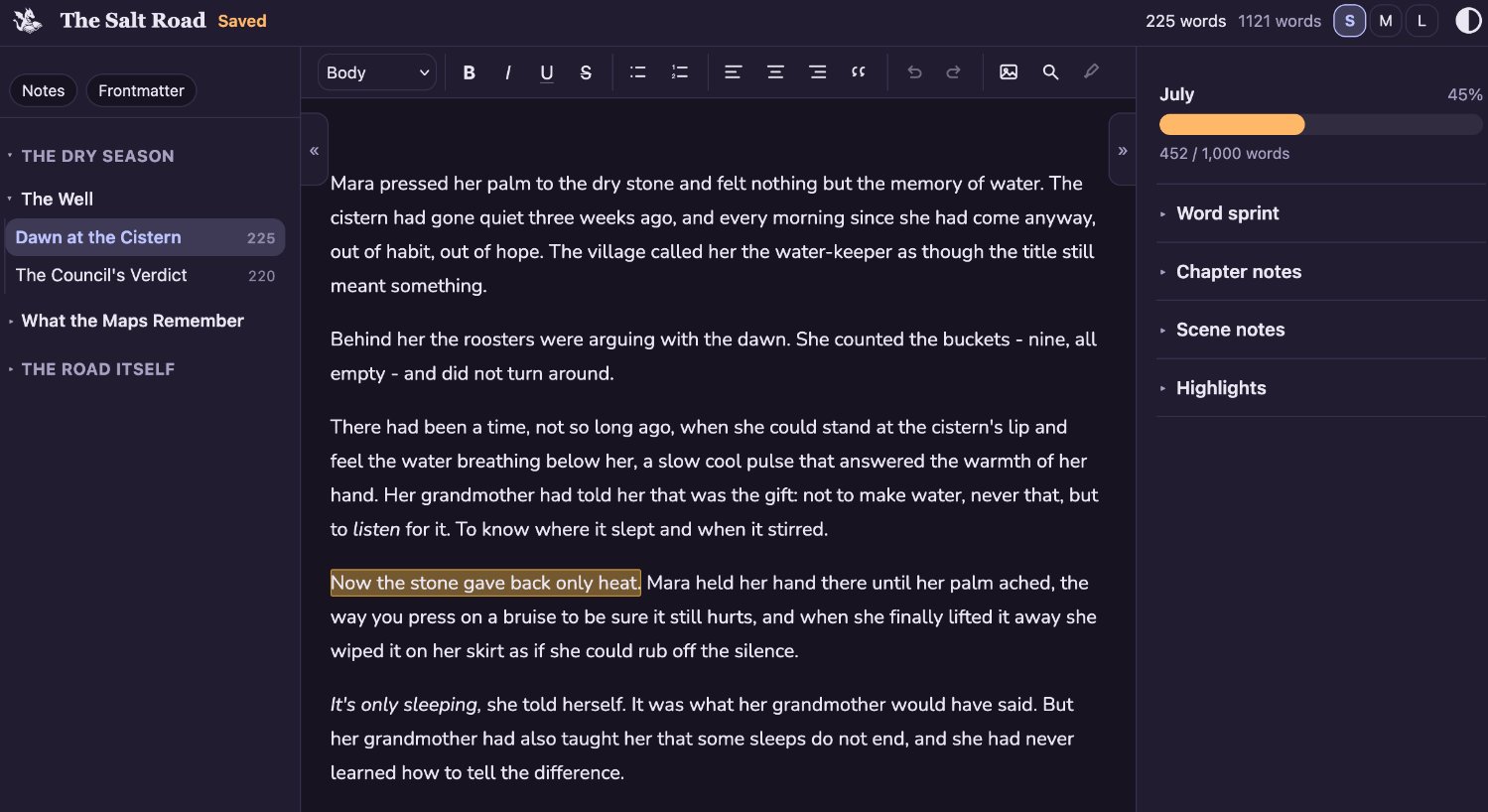 It is comprised of the following sections:
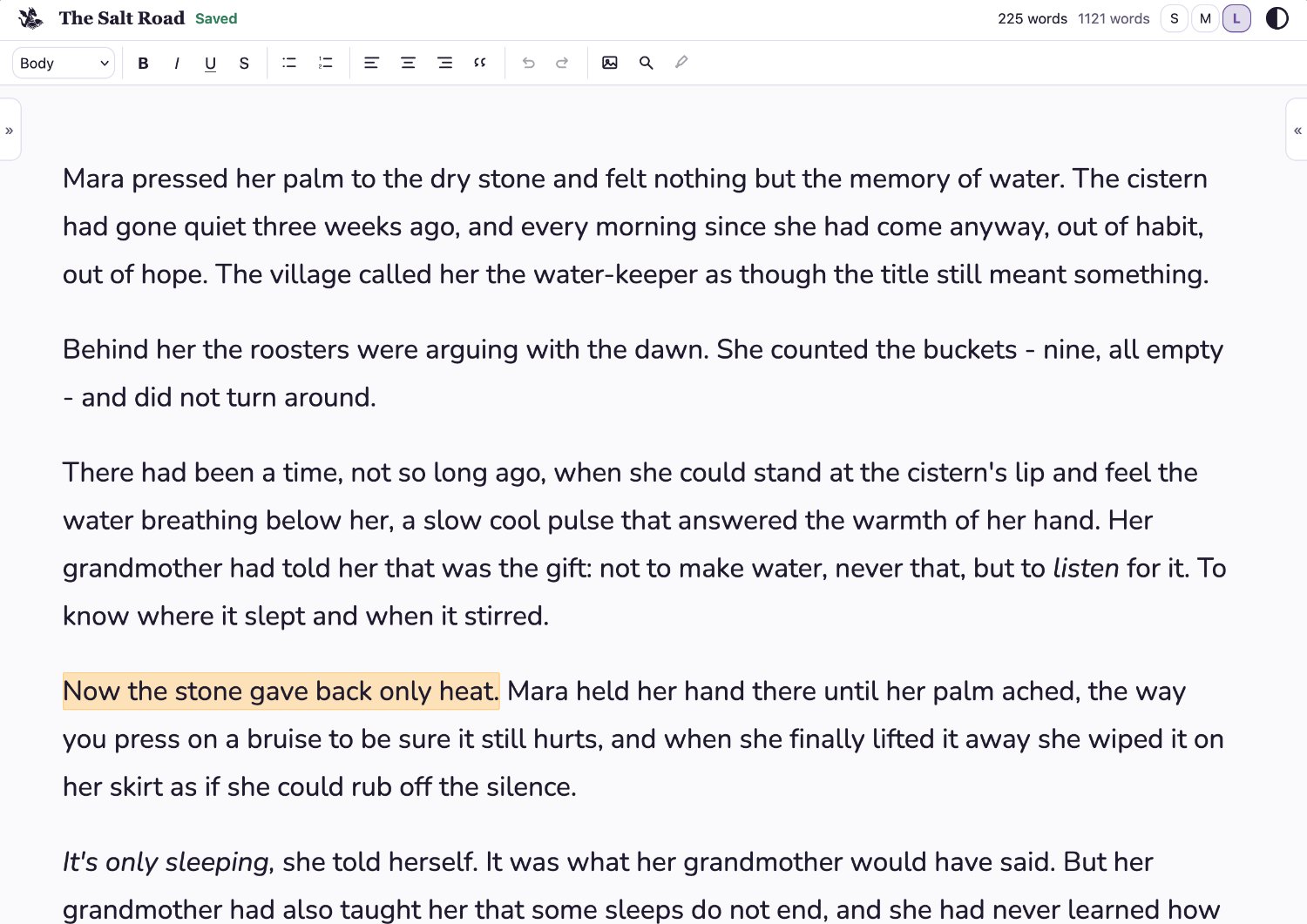
Header - icon to return home, story name, save status, word counts, toggles for text size and light/dark mode.
Left drawer - navigation between scenes and to the frontmatter and story notes.
Central pane - writing pane with rich text editor toolbar.
Right drawer - goals, word sprints, notes, and highlights.
The drawers can be collapsed individually or both at once for distraction-free writing.
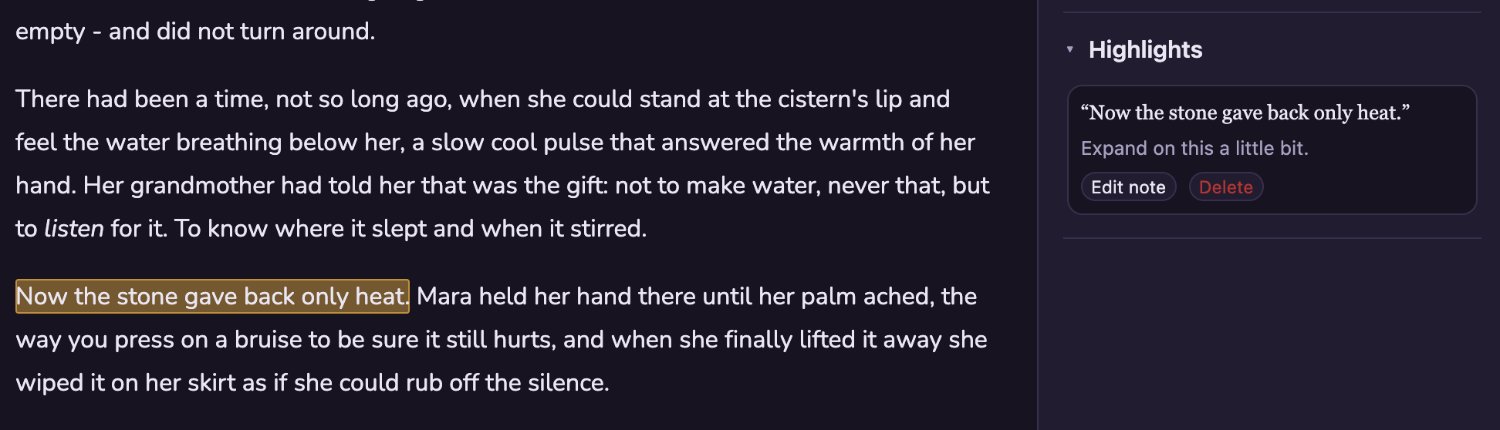
Highlights
This is the only item in the rich text editor that isn't purely cosmetic. Highlight some text and click the highlight button to create a note for later. These are then visible in the right drawer.