Stories
The landing page of your DragonWriter Online experience and the stories you can write.
My stories (home)
This is where you start your journey every time.
Make folders, make stories, write!
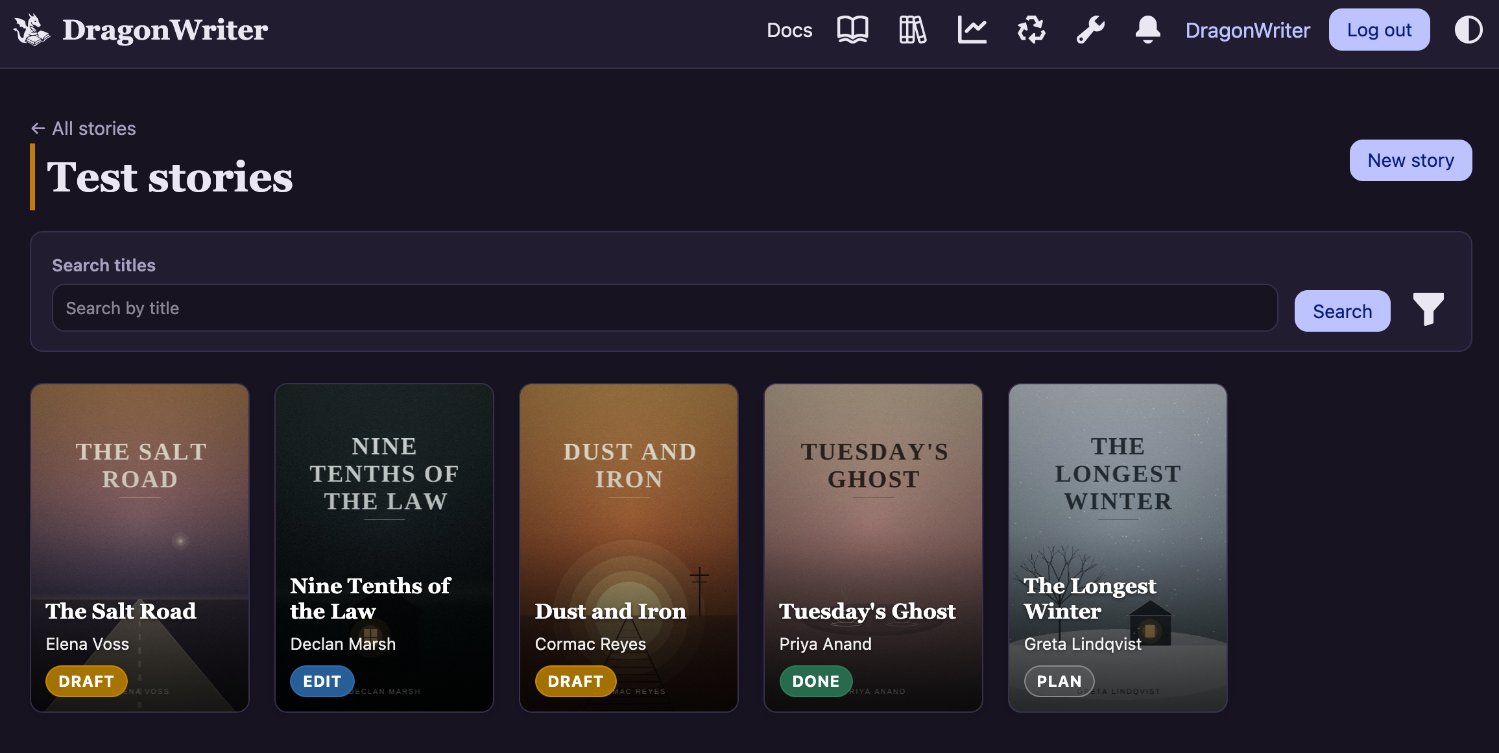 The above screenshot shows stories inside a folder.
Story overview
When you click on a story from your home, you get to the overview. From here you can add parts, chapters, and scenes. You can edit, reorder, delete.
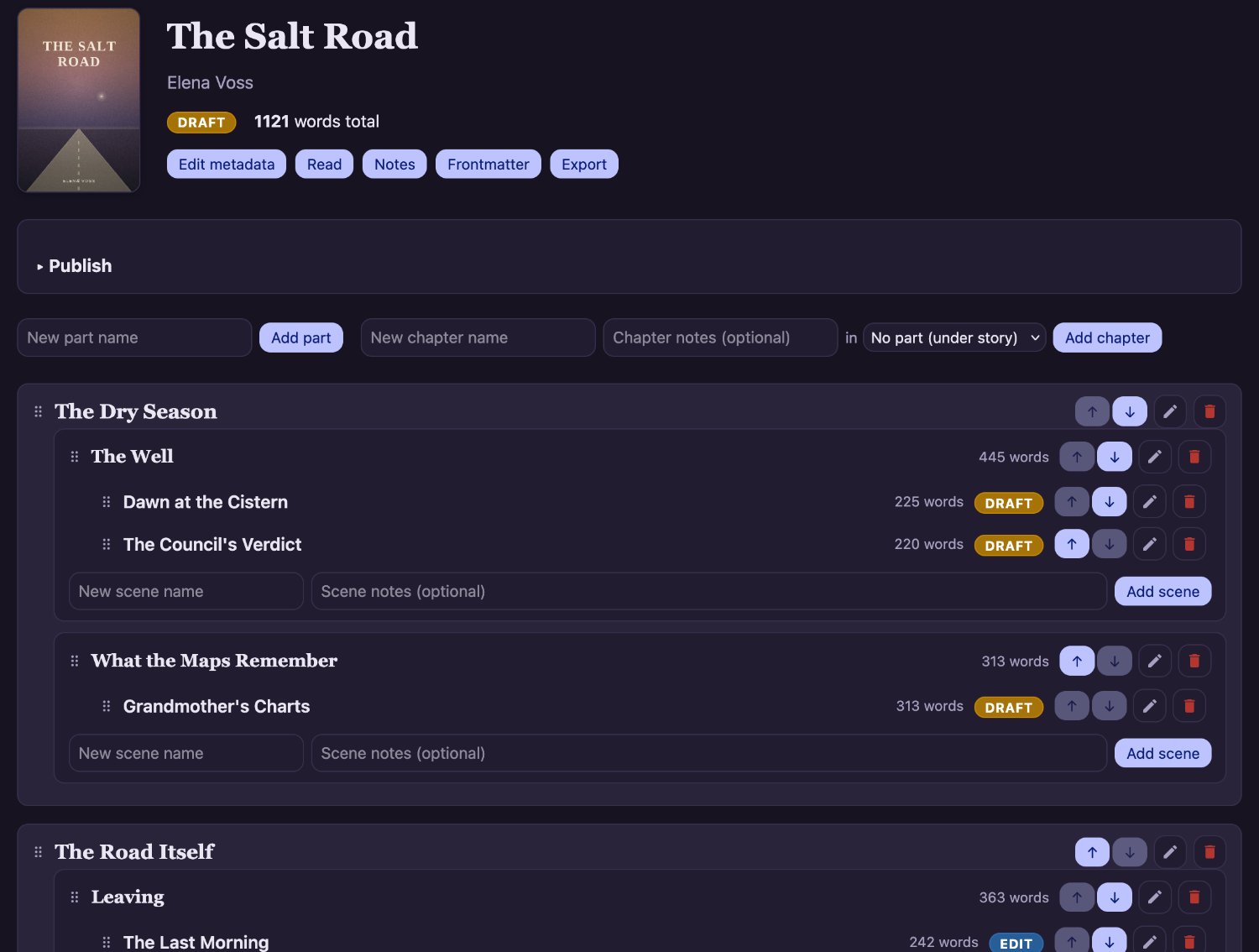 From here you can also edit the metadata of your story (see below), go into a reading mode, and see your notes and frontmatter (these do not count towards your word count). You can also export your story into various formats.
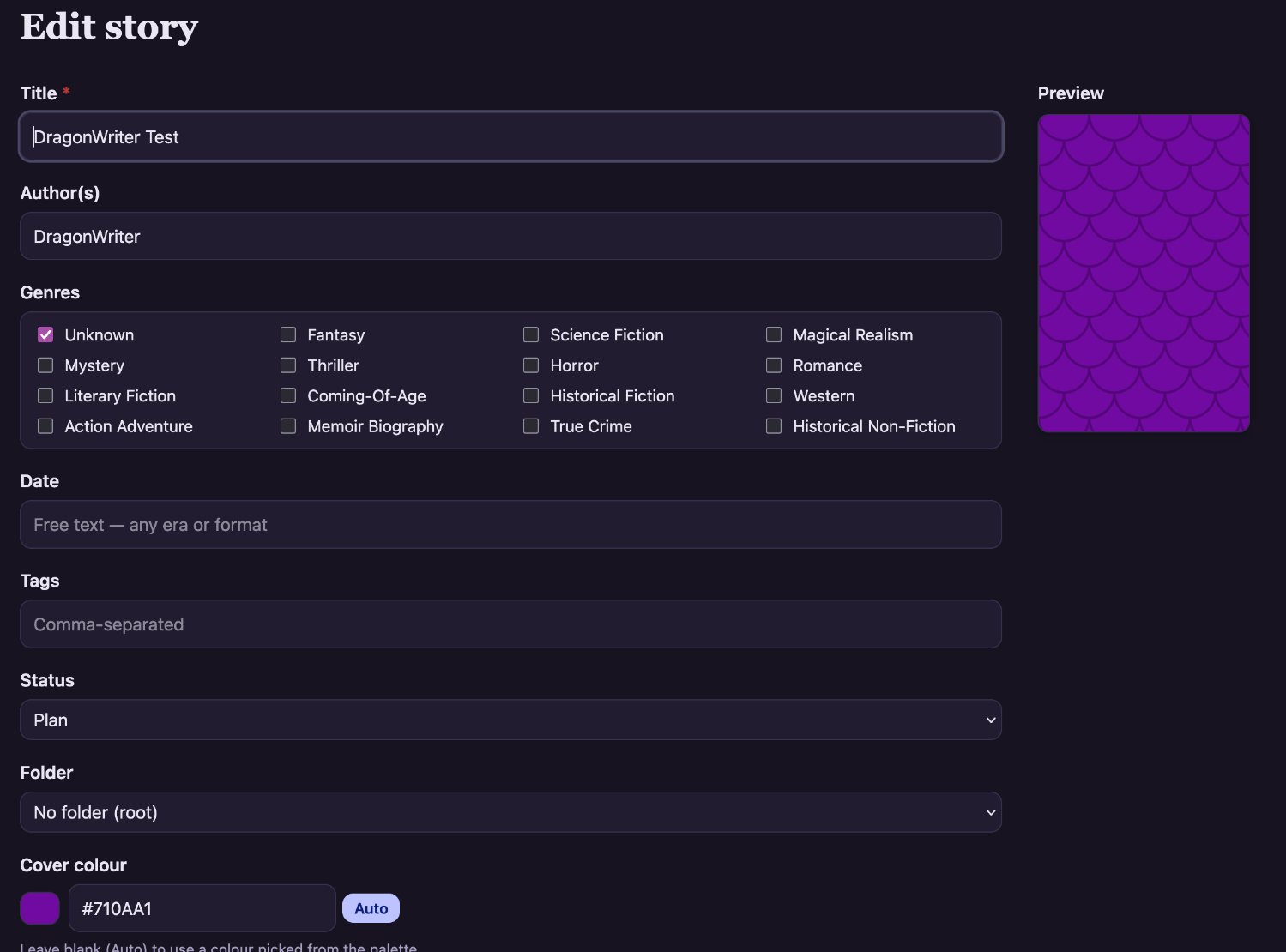
Story metadata
This is the name, author, genre and so on for your story. You fill these details out when you first create it, and you can come back to edit this at any time from your story overview page.